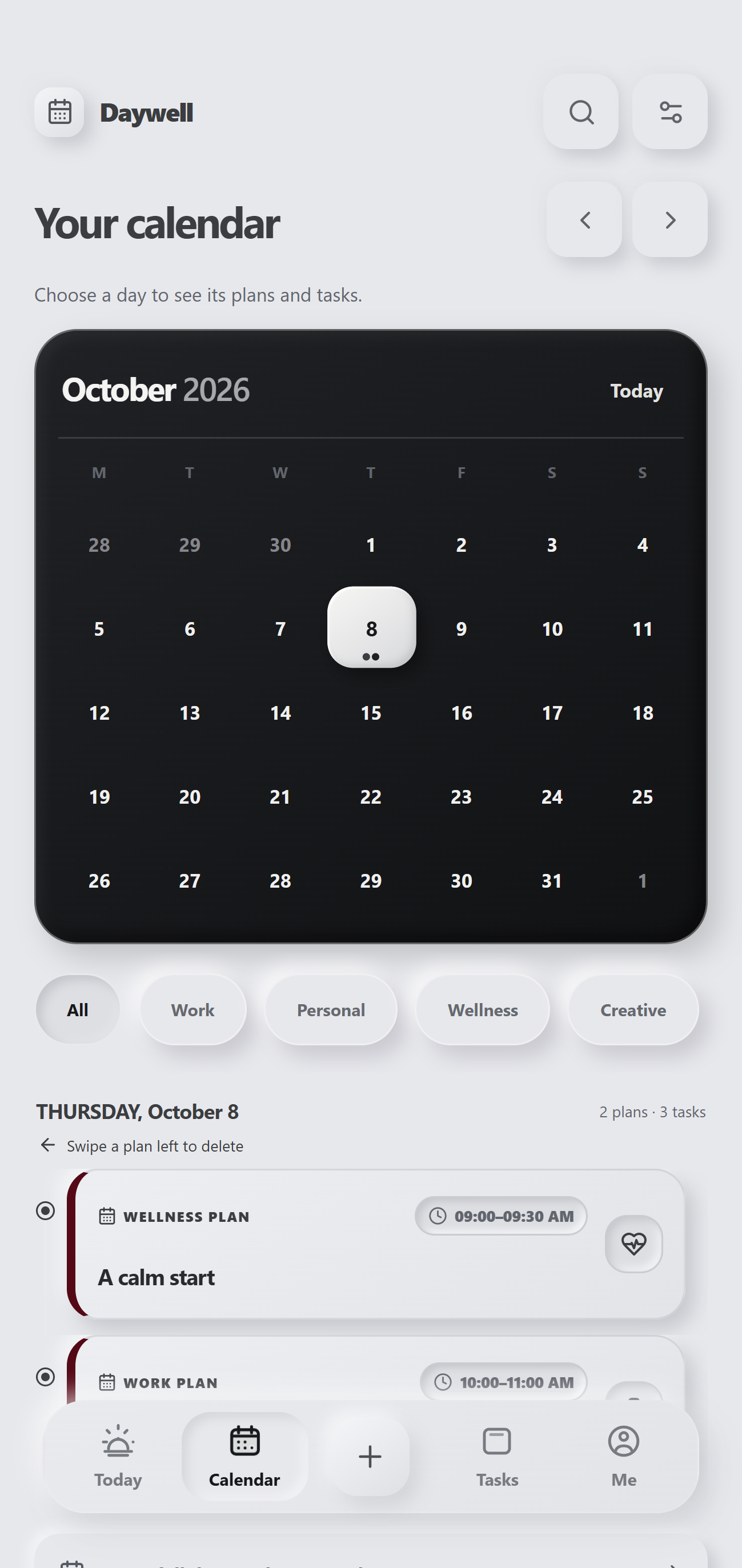
01 / YOUR DAY, IN VIEW
A calendar that makes room for the whole picture.
See your plans and tasks across the month, then open a day to get into the details. A steady overview for busy weeks and open space alike.
Explore DaywellTHE CALENDAR01 / 03
A CALMER ANDROID PLANNER
Plans, tasks, calendar, and focus time—brought together in a thoughtful space that stays yours.
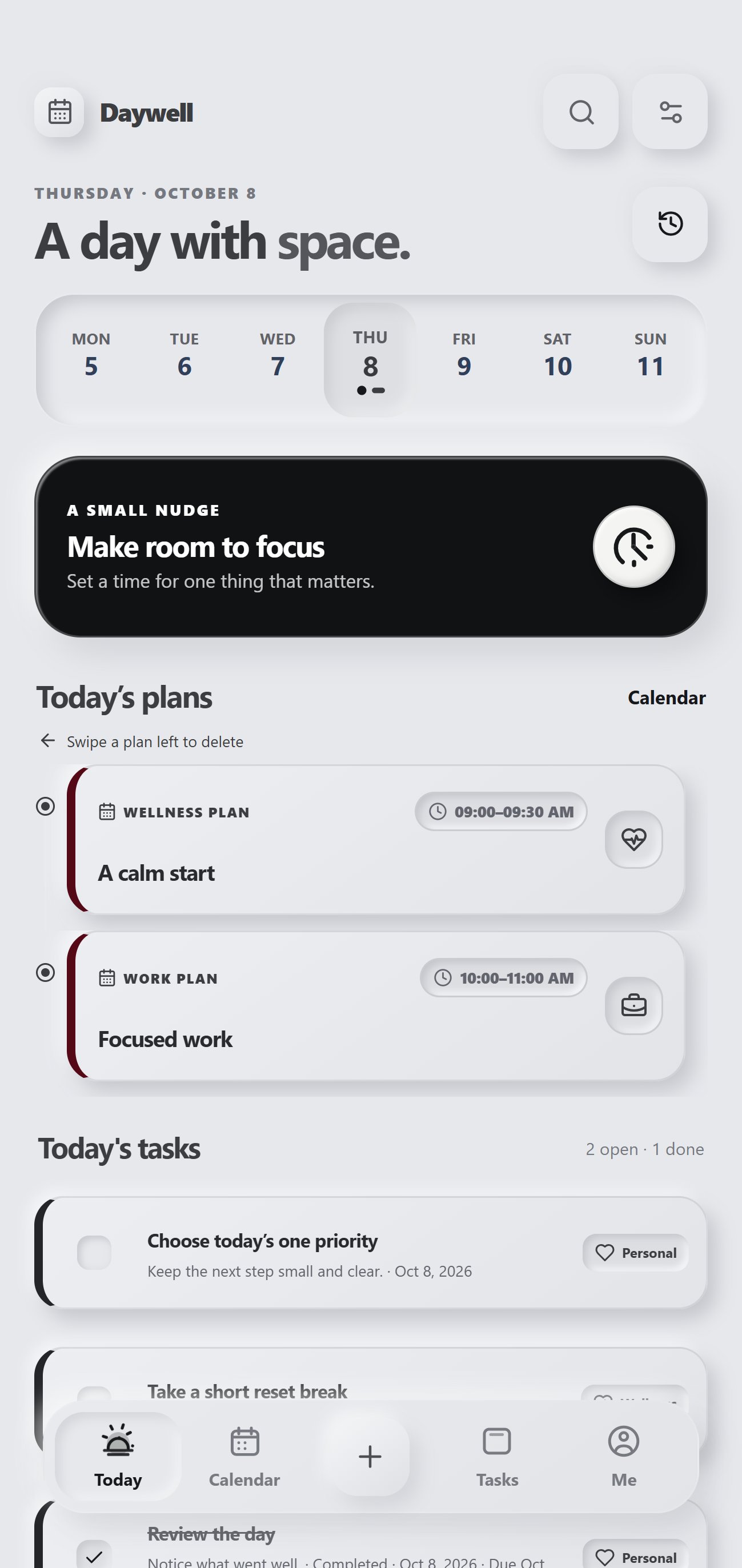
A little more in rhythm
Move from a simple plan to a focused session without making your day feel like another project to manage.
01 / YOUR DAY, IN VIEW
See your plans and tasks across the month, then open a day to get into the details. A steady overview for busy weeks and open space alike.
Explore Daywell02 / THE NEXT STEP
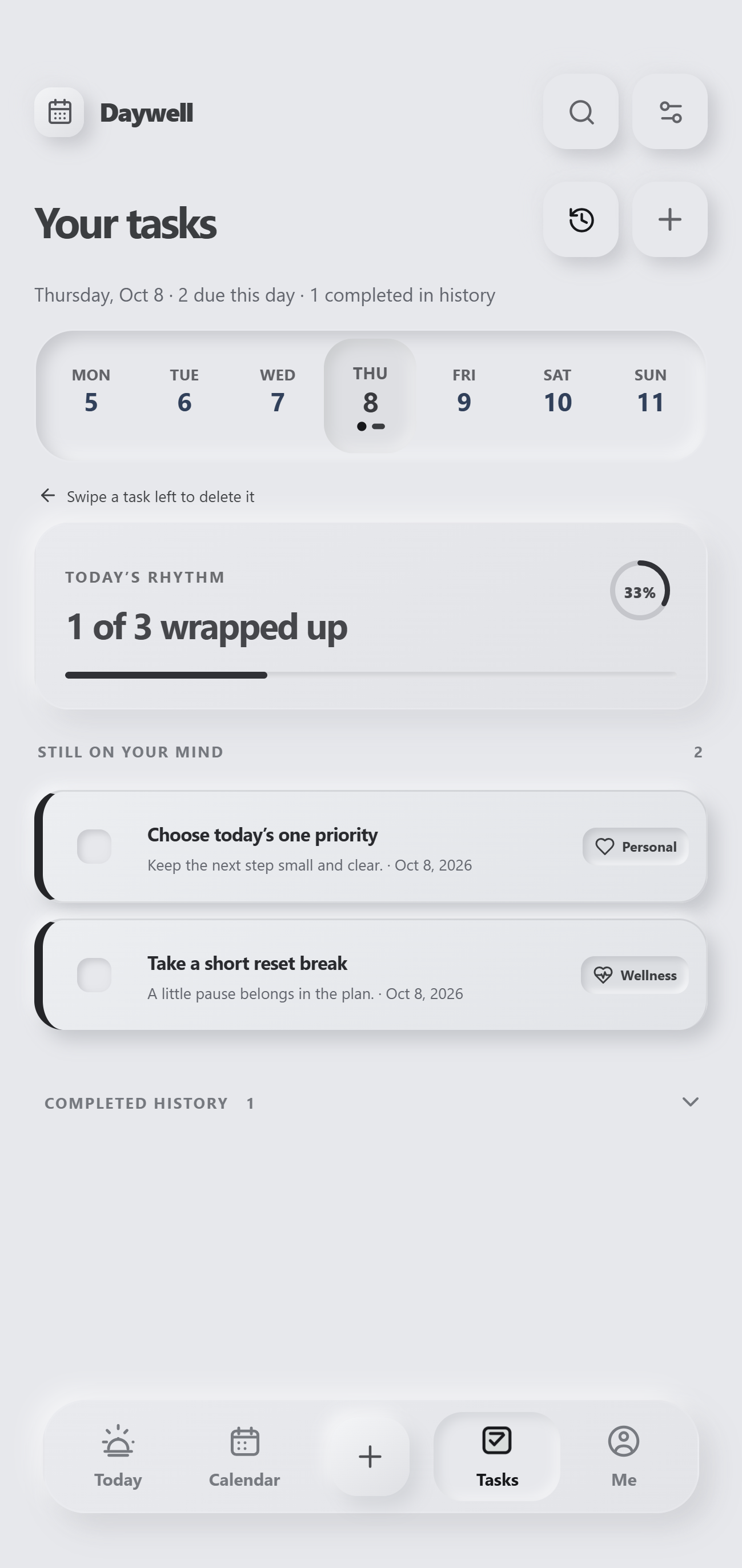
Bring today's tasks into one calm list, mark progress as you go, and keep completed work easy to find when the day is done.
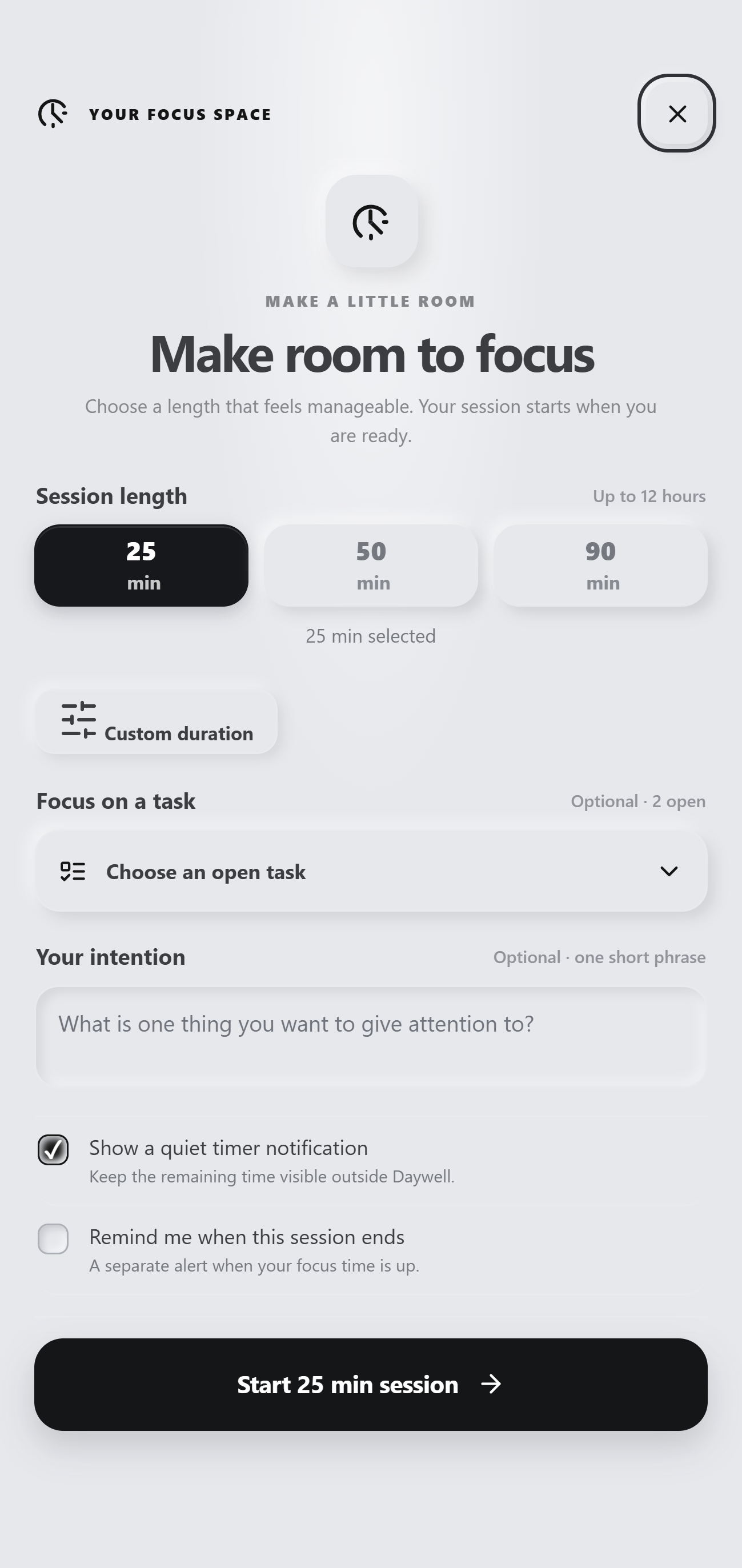
03 / A LITTLE FOCUS
Choose a session length, connect it to an open task if you like, and settle into the work in front of you.
YOUR PLANS, ON YOUR DEVICE
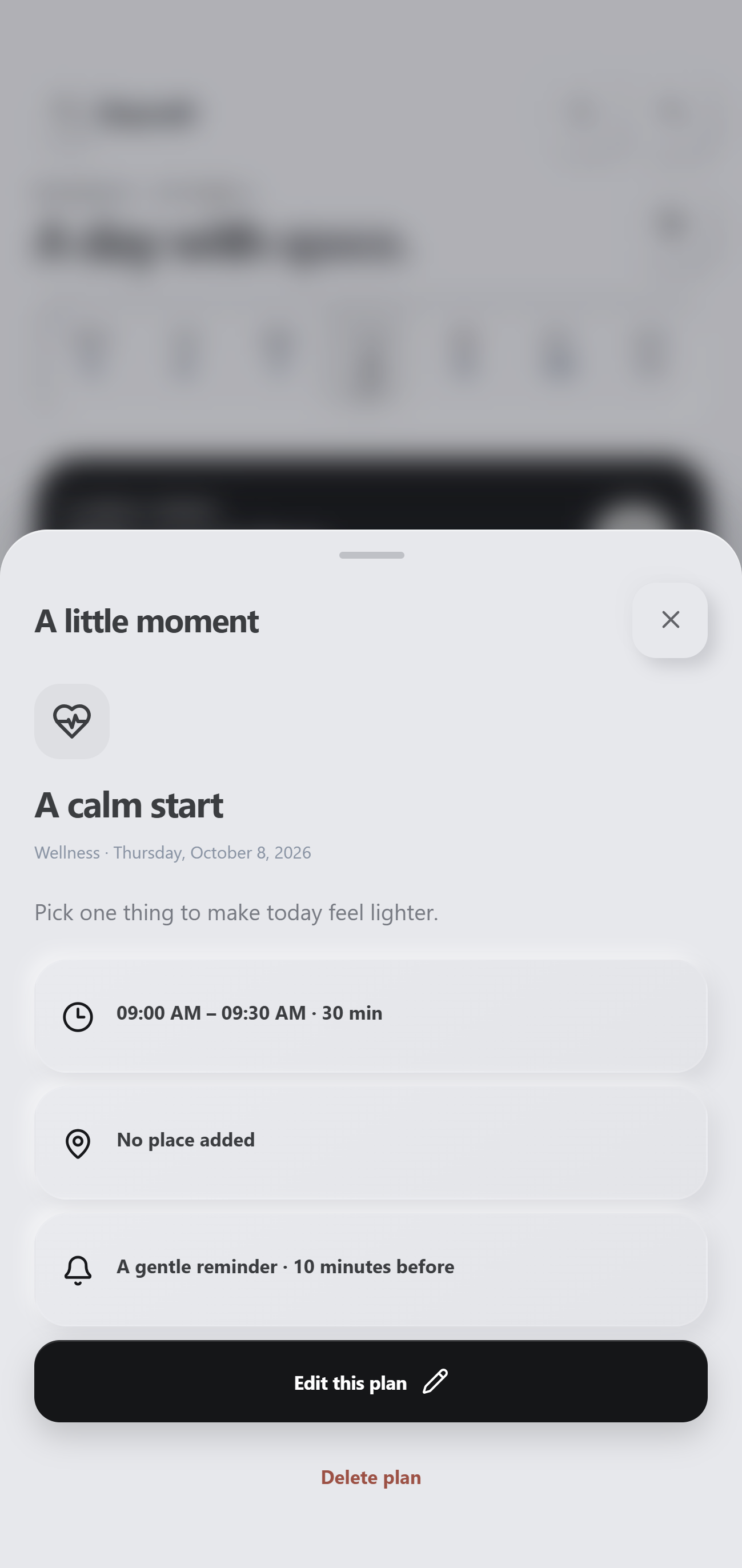
Daywell stores its planning data in a local SQLite database on the device. It works offline and does not depend on cloud sync.
A STARTING POINT FOR YOUR NEXT IDEA
Daywell is available as an Android Studio source project for developers who want to explore its approach or build on it for their own app.
Kotlin hosts the app interface in an Android WebView.
The screens are built with HTML, CSS, and JavaScript.
Planning data is stored locally using SQLite.
See the itch.io listing for current package contents, price, and license details.
A FEW THINGS TO KNOW
The itch.io listing offers the Android Studio source project. Check the listing for the exact files included in the current download.
Daywell is designed to work offline. Its planning data is kept in a local SQLite database on the device; cloud sync is not included.
Open the itch.io page to review the current download files, price, and license before purchasing.
DAYWELL ANDROID PLANNER
Explore the project, see the included files, and find Daywell on itch.io.